
Generated14 min ago
Write a prompt, paste a script, or describe an idea. Vexub turns it into a publish-ready AI video with scenes, voice, subtitles, audio direction, and visual style built for TikTok, Reels, and Shorts.




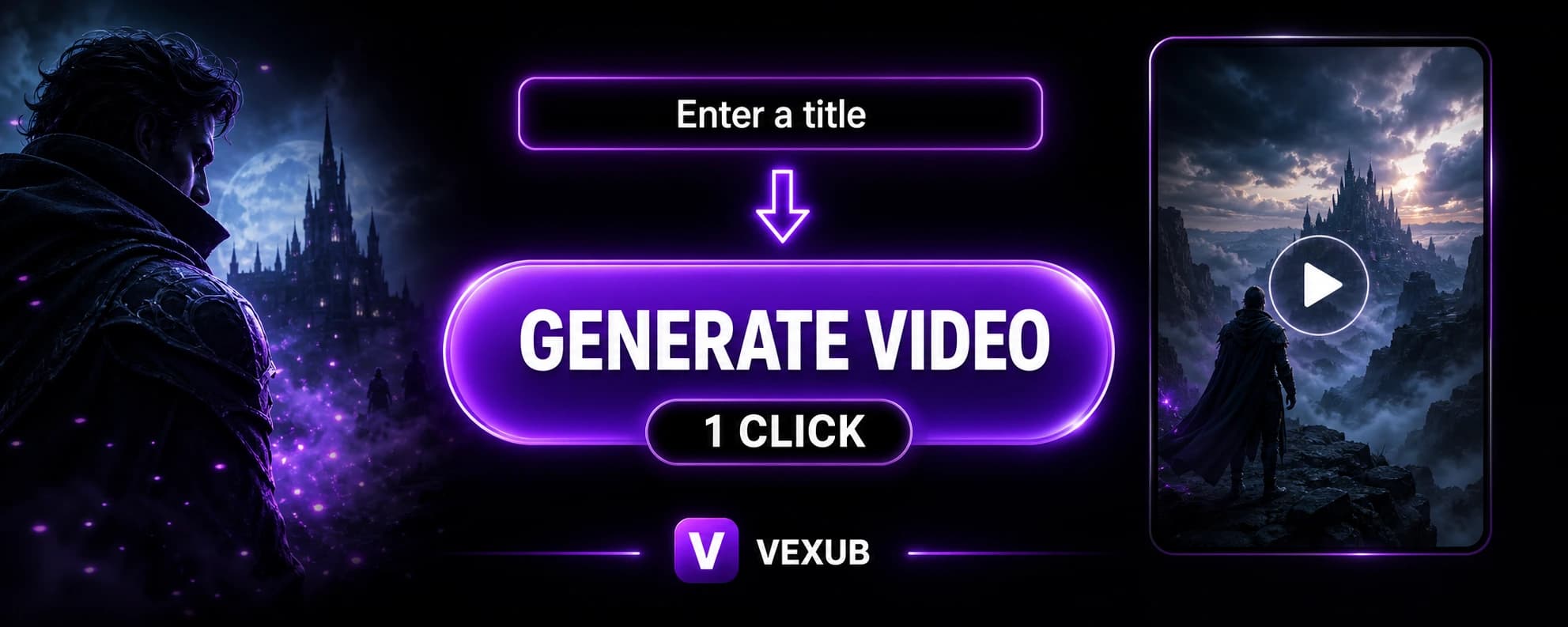
Text to video guide
SEO target
A modern text to video app helps creators turn written ideas into finished videos without building every scene manually. Instead of recording footage, searching for visuals, writing captions, editing voice tracks, adjusting timing, and exporting multiple formats, you can start with a simple piece of text. That text can be a title, a short prompt, a complete script, a product explanation, a story concept, a historical fact, or a social media idea. The tool then transforms the written concept into a video workflow with narration, visual direction, subtitles, pacing, and a format made for publishing.
Text-to-video generation is useful because most creators already have ideas before they have footage. A creator might know the topic they want to cover but not have the time to record, edit, and design the final result. A business might have a written product description but no video assets. A social media manager might need several short videos every week, each based on a different hook. An educator might want to explain a difficult subject with a visual story. In all of these cases, a text to video generator can turn the starting idea into a more complete piece of content.
The best text-to-video results come from clear prompts. A prompt does not need to be long, but it should explain the main subject, the desired tone, and the type of video you want. For example, a prompt can ask for a dramatic story, a clean educational explainer, a cinematic short, a faceless social video, a motivational clip, or a quick visual summary of an idea. Once the prompt is submitted, the generation process can decide how to break the idea into scenes, what kind of visuals should appear, how the narration should flow, and where subtitles or emphasis should be placed.
This matters because video is not just a collection of images. A good video needs structure. It needs a beginning that creates interest, a middle that delivers the idea clearly, and an ending that feels complete. When a text to video app is designed well, it helps shape the written prompt into that structure. The creator still controls the idea, but the tool makes the production process faster by handling the technical and repetitive parts of video creation.
AI video generation is becoming a practical workflow for creators, marketers, educators, founders, and agencies. The main advantage is speed. A traditional video can require planning, filming, voice recording, editing, subtitles, sound design, and revisions. A text-based video workflow starts from the written idea and lets the creator test more concepts in less time. This is especially important for short-form content, where publishing consistently and testing different angles can matter as much as perfect production.
Another advantage is flexibility. A single script can be rewritten into different tones. A simple title can become a story video, a promotional video, or an educational short. A creator can experiment with different visual styles, pacing, hooks, and captions. This makes text to video a strong tool for content strategy because it helps creators move from idea to execution quickly while still keeping control over the message.
Social video needs to be fast, clear, and easy to watch. Many viewers scroll with sound off, so readable subtitles are important. Many users decide in the first few seconds whether they will keep watching, so the opening idea needs to be direct. Vertical formatting is also important for platforms like TikTok, Instagram Reels, and YouTube Shorts. A text to video app can help prepare videos for that environment by combining narration, captions, visuals, and timing inside one workflow.
For creators who post often, this can make a big difference. Instead of waiting until a full production is ready, they can turn written ideas into videos, publish more consistently, and learn which topics perform best. The goal is not to replace creativity. The goal is to reduce the production friction between having an idea and sharing it with an audience.
The pages ranking for text to video searches do not only describe a prompt box. They explain the complete video generator workflow: prompt, script, scenes, images, generated visuals, voice, audio, subtitles, editing controls, and export. That is the real search intent behind a text to video AI generator. People want to know whether they can start from text and still end with a high-quality video that feels ready to publish.
Vexub is positioned around that complete workflow. You can start with a short idea, test a hook, generate the video structure, review the output, and download a vertical video for short-form platforms. This makes the page relevant for searches like text to video app, AI text to video, online video generator from text, prompt to video, script to video, and text to video generator for social media.
Creators searching for InVideo, Fliki, Pictory, or other AI video makers usually compare the same things: can the tool turn a prompt or script into a complete video, does it include AI voiceover, are the subtitles readable, does the visual result avoid looking too generic, and can the final export work for TikTok, Reels, and YouTube Shorts. Those searches often use terms like AI video maker, script to video, prompt to video, idea to video, stock footage video maker, and online AI video generator.
Vexub answers that intent with a shorter path from written idea to social video. The page now targets the full comparison language around text-to-video tools while keeping the promise focused on the workflow: write the idea, generate scenes, add voice and subtitles, then export a vertical video that can be tested quickly.
An online video generator from text is useful when you want to create more content without filming every asset yourself. Vexub focuses on turning written input into a complete AI video draft with visual direction, narration, subtitles, audio guidance, and export formatting for social media. That makes the workflow closer to a finished video generator than a simple writing assistant.
A good prompt is specific enough to guide the video but simple enough to leave room for creative generation. Start with the subject, then add the format and tone. A prompt such as “explain why ancient cities were built near rivers in a cinematic educational style” gives more direction than “ancient cities.” If you want a short-form video, mention that it should be vertical, fast-paced, and easy to understand. If you want a story, mention the character, conflict, setting, and mood. If you want a product video, mention the audience, benefit, and desired call to action.
The strongest prompts often include a clear title. A title gives the video a focused subject and makes the generation easier to structure. The rest of the prompt can explain the angle. For example, a title like “The City Under the Ocean” can become a visual story, while a title like “How AI Turns Text Into Video” can become an explainer. The clearer the input, the easier it is for the video generator to create scenes, voice, pacing, and subtitles that feel connected.
A text to video app is a tool that turns written input into a video. Instead of starting with a camera, editing timeline, voice recording, and separate design tools, you start with a title, prompt, script, or idea. The app then builds the structure of the video, creates or matches visuals, adds narration, prepares subtitles, and formats the result for social platforms.
Yes. A short prompt can be enough to create a first video draft. For better results, describe the topic, the tone, the audience, and the type of video you want. For example, you can ask for an educational story, a cinematic explainer, a viral short, a product introduction, or a social media video based on one clear idea.
Text to video is especially useful for short-form platforms because it helps creators move quickly from idea to finished content. Vertical formatting, fast pacing, captions, and simple story structure matter a lot on TikTok, Reels, and YouTube Shorts. A strong text prompt can become a video that is easier to test, post, and improve.
No. The point of a text to video generator is to remove a lot of the manual work from video creation. You still control the idea, the message, and the direction, but the tool handles the repetitive production steps such as scene planning, visual style, narration, subtitles, and export formatting.
Yes. Vexub is an online text to video workflow, so you can start from a prompt or script, generate a video draft, review the result, and export it without installing editing software. It is built for creators who want to test more short-form ideas quickly.
A strong text to video workflow should combine more than visuals. It should help with scene structure, images or generated visuals, voice, audio direction, subtitles, pacing, and download-ready formatting so the result feels closer to a finished social video.